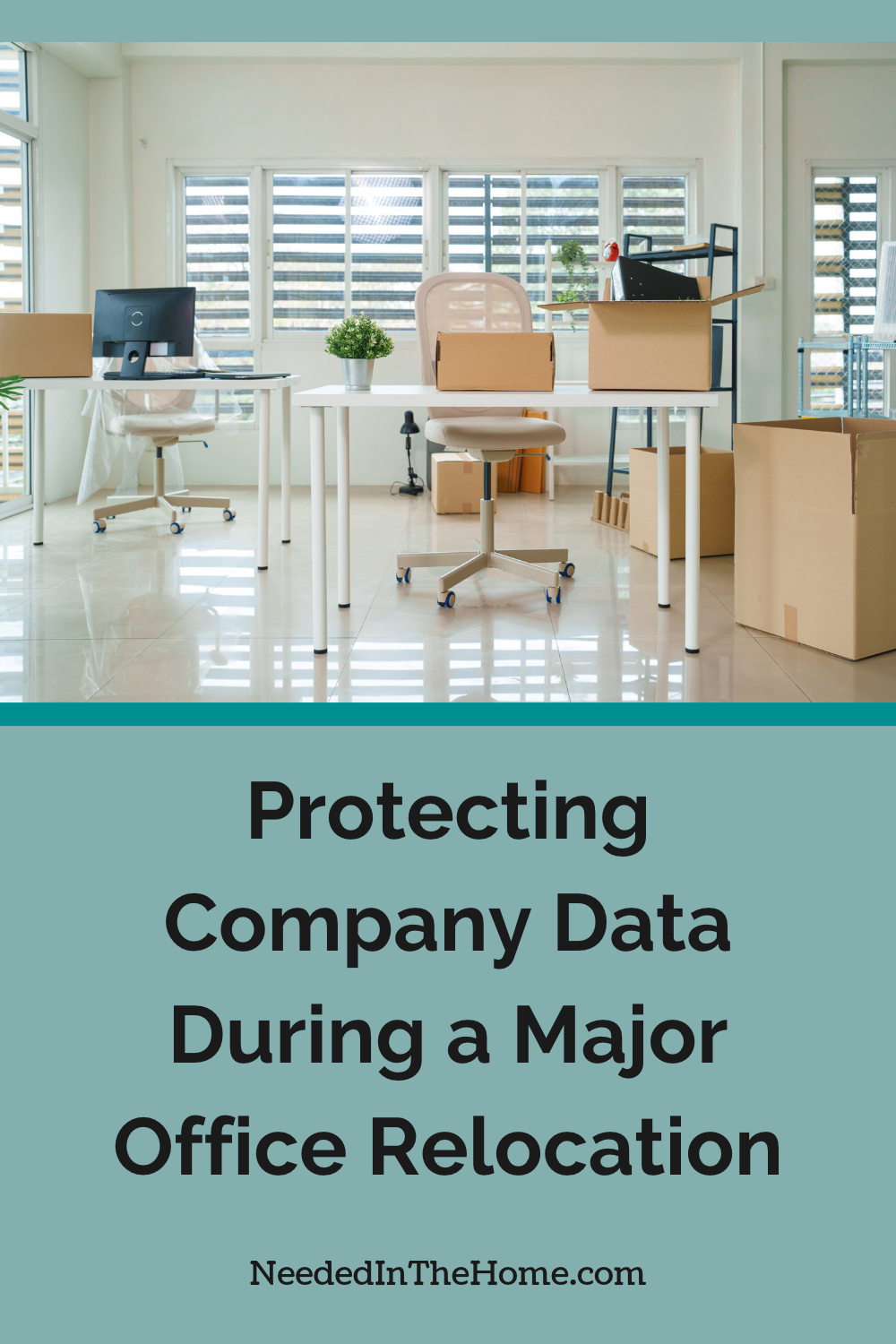
An office relocation can expose sensitive company data if computers, storage devices and network equipment aren’t handled carefully. Protecting that information requires coordination between your IT team, department leaders and the moving company. Begin planning several weeks before moving day so you have time to document equipment, limit access and test the new office network. A clear relocation plan also reduces downtime because staff know which systems must be available first.
Some links in this post are affiliate links, which means I receive a commission if you make a purchase.

Image Credit: Unsplash
Audit Physical Hardware Before Transit
Create a complete inventory of every desktop computer, laptop, server, external drive, printer and networking device included in the move. Record each item’s serial number, assigned employee, current location and destination. Photos can help document its condition before packing.
Classify equipment according to the sensitivity of the data it holds. Devices containing payroll records, customer details or confidential contracts may need encrypted storage and separate transport arrangements. Retire equipment that no longer serves a business purpose and follow recognized media sanitization guidelines before disposal or recycling. Back up active systems and test a sample of restored files before anything leaves the building. A backup that hasn’t been tested may fail when you need it most.
Choose Specialized Commercial Removalists
Ask potential moving providers how they pack electronics, label office assets and control access to vehicles. Experienced removalists should be able to explain their process for commercial moves, including how they coordinate loading schedules and deliver equipment to assigned rooms. Businesses transitioning from a home office to a separate location should also consider the practical challenges of relocation, as explained in this guide on moving a home business away from home.
Check insurance coverage and clarify who is responsible if a device is damaged or misplaced. Although the Federal Motor Carrier Safety Administration’s Protect Your Move guidance focuses on moves in the United States, its advice on verifying providers, reviewing documents and understanding liability offers a useful model for vetting any moving company.
Give the provider a floor plan and numbered equipment list. Sensitive hardware should never be marked with labels that advertise the type of data stored inside.
Establish Chain of Custody Protocols
A chain of custody record shows who controlled each sensitive device during every stage of the relocation. Assign one employee to release equipment at the old office and another to receive it at the new site. Both should compare asset numbers with the inventory and sign a dated transfer log.
Use tamper-evident seals on boxes containing servers, backup drives and confidential paper records. Record each seal number so staff can identify unexpected access. Vehicles carrying priority equipment should remain locked whenever unattended, and only authorized workers should handle those items.
Plan for exceptions as well. If a box arrives with a broken seal or a laptop is missing, move affected items to a secure area, notify the project lead and document the incident before unpacking continues.
Verify Network Privacy at the New Site
Configure the new network before employees reconnect their devices. Change default administrator credentials, install current updates and confirm that firewalls, encryption settings and endpoint security tools work as expected. Place guest Wi-Fi on a separate network so visitors can’t reach company systems.
IT staff should check every network cabinet and data port against the floor plan. Disable unused ports, restrict physical access to communications rooms and confirm that old office connections have been terminated. Test access permissions with accounts from several departments because a successful login doesn’t prove that restrictions are working correctly.
Keep relocated equipment quarantined until its asset number, seal and condition have been checked. Once the network passes its security tests, release systems in priority order, starting with services needed for payroll, customer support and daily operations. Save the signed inventory and test results with the relocation records so any later discrepancy has a clear paper trail.
This is a contributed post.
More From NeededInTheHome
Product Reviews
Get Our Books
Etsy Shop
TPT Store
eBay Store
Linktree
My Faith Testimony
Subscribe so you never miss a post.
If you find my tips useful, feel free to buy me a coffee. Thank you in advance!
Want to remember this? Pin it to your favorite Pinterest Board!
Join the newsletter
Subscribe to receive our latest articles and promotional content by email from NeededInTheHome
Leave a Reply