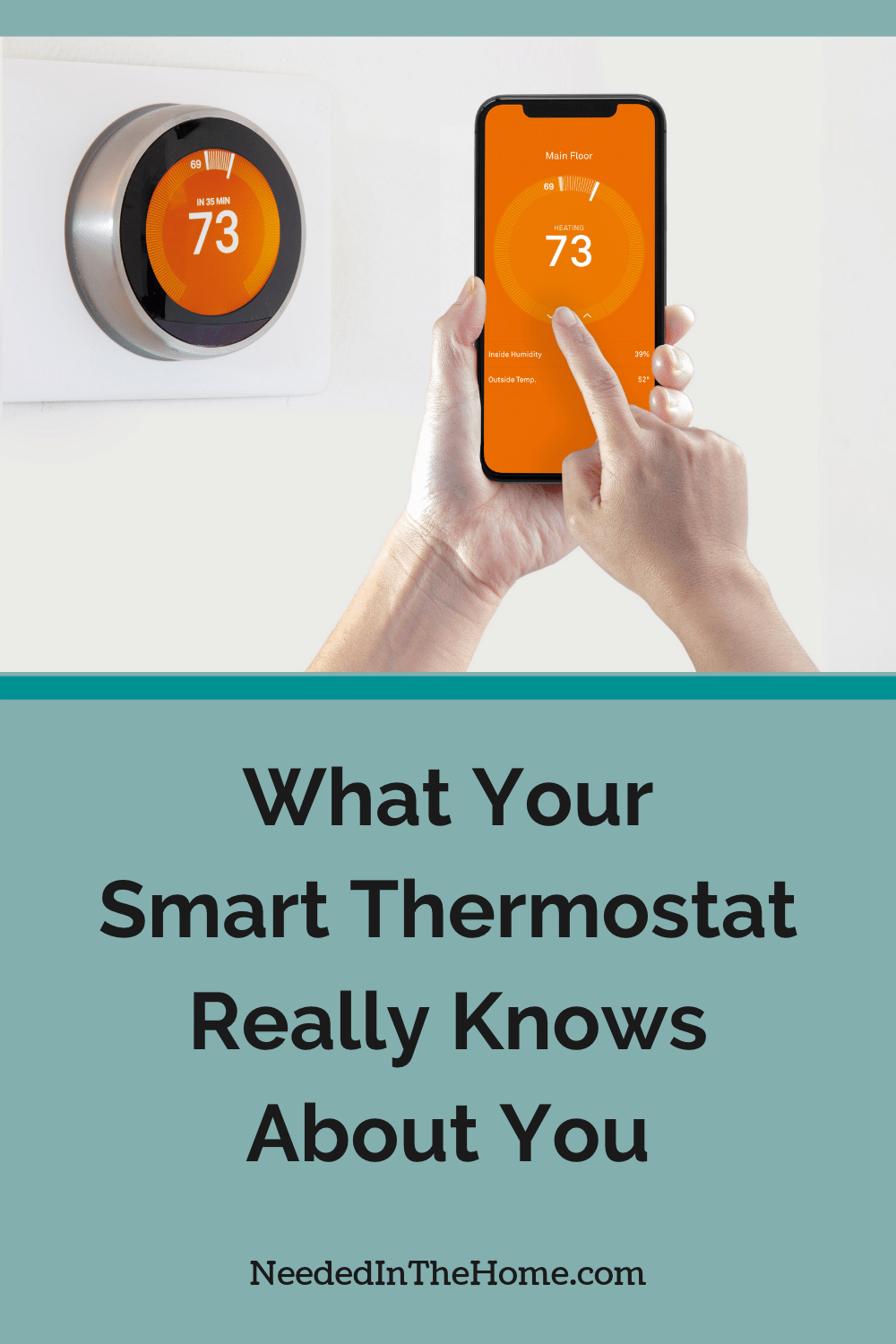
A smart thermostat learns far more than your preferred temperature. As it adjusts heating and cooling throughout the day, it may record when you wake up, when the house is empty and how often you change its settings.
Some links in this post are affiliate links, which means I receive a commission if you make a purchase.
That information can improve comfort and reduce wasted energy, but it also creates a detailed picture of household routines. Knowing what gets collected and where it goes helps you enjoy smart home features without sharing more than you intended.
Image Credit: Unsplash
Data Collected Behind the Screen
Most connected thermostats collect temperature settings, operating times and energy use. Some models also record humidity, motion, occupancy patterns and manual adjustments. If you lower the temperature every weekday at 8 a.m., for example, the device may infer that the home becomes empty around that time.
A thermostat can also gather technical details such as its IP address, network information, device identifiers and software version. A detailed look at smart thermostat data shows how these devices may combine sensor readings with account and location information.
Review the product’s privacy controls during setup. Features such as automatic home and away detection often require more data than a basic schedule, so disable any function you don’t expect to use.
How Climate Trackers Share Information
Thermostat information usually travels from the device to the manufacturer’s cloud servers. That connection lets you change the temperature from a phone, receive maintenance alerts and view monthly energy reports. It can also make information available to service providers that handle cloud storage, analytics or customer support.
Account integrations add another layer. Connecting a thermostat to a voice assistant, utility program or home automation platform may allow information to move between companies. Avast’s explanation of Nest thermostat data illustrates how account activity and device readings can become part of a wider user profile.
Before linking services, read the permission screen and remove integrations you no longer use. Deleting an app from your phone may leave the account connection active, so check the thermostat dashboard as well.
Secure Your Connected Household
Start with the account protecting your thermostat. Create a unique password and turn on two-factor authentication if the manufacturer offers it. Then secure your home router with current encryption, a strong administrator password and automatic firmware updates.
Place smart home devices on a guest network when your router supports that option. This limits their access to laptops and other devices containing personal files. You should also install thermostat updates promptly since they often fix known security problems.
Physical performance still matters. Strange temperature swings may indicate a sensor, wiring or heating and cooling problem instead of suspicious account activity. If a Sacramento Valley homeowner needs professional HVAC repair after ruling out app settings, a qualified technician can inspect the equipment without needing access to unrelated smart home accounts. Share only the permissions required for diagnosis.
Balance Digital Convenience with Comfort
Choose the smallest set of connected features that meets your needs. A household with a predictable routine may only need a programmed schedule. Remote access can be useful for frequent travelers, while occupancy detection may help families whose daily schedules change often.
Check data retention settings too. Some accounts let you delete activity history or limit personalized reports. This guide to how smart thermostats collect data can help you identify other settings worth reviewing.
Privacy choices shouldn’t leave the home uncomfortable. Keep temperature alerts that protect household members and prevent weather-related damage, but consider turning off marketing personalization and optional location tracking. If you move, reset the thermostat to factory settings and remove it from your account before handing over access.
A five-minute account check each season is usually enough to catch an old integration, missed update or setting that changed after an app redesign. Your thermostat can still learn the temperature you like without keeping every detail of your household routine.
This is a contributed post.
Leave a Reply