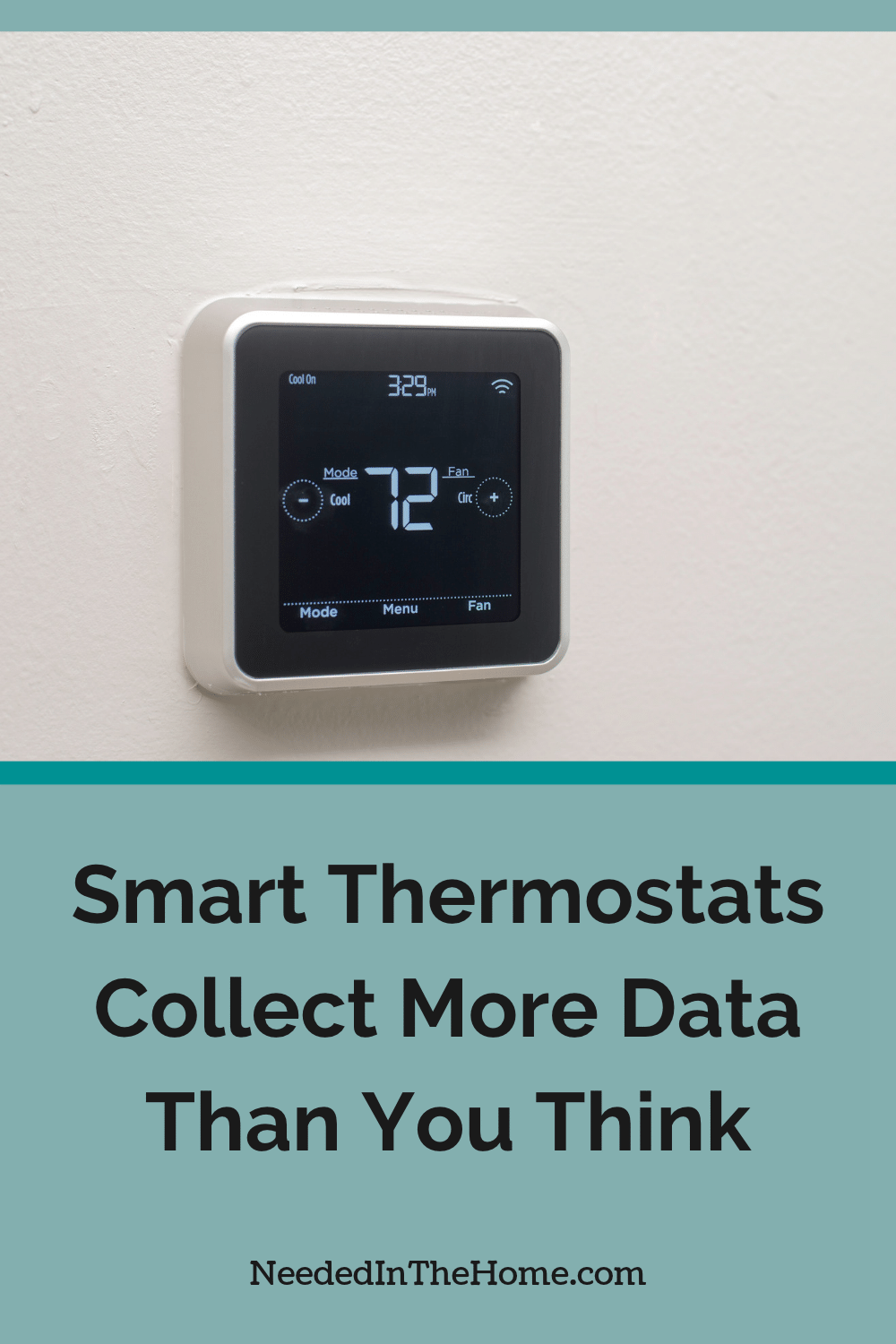
A smart thermostat can learn when your family wakes up, leaves home and goes to bed. That information helps the device adjust temperatures and reduce wasted energy, but it can also create a detailed record of household routines.
Some links in this post are affiliate links, which means I receive a commission if you make a purchase.
Before connecting another climate device to your home network, check what information it gathers, where that information goes and which controls let you limit collection.
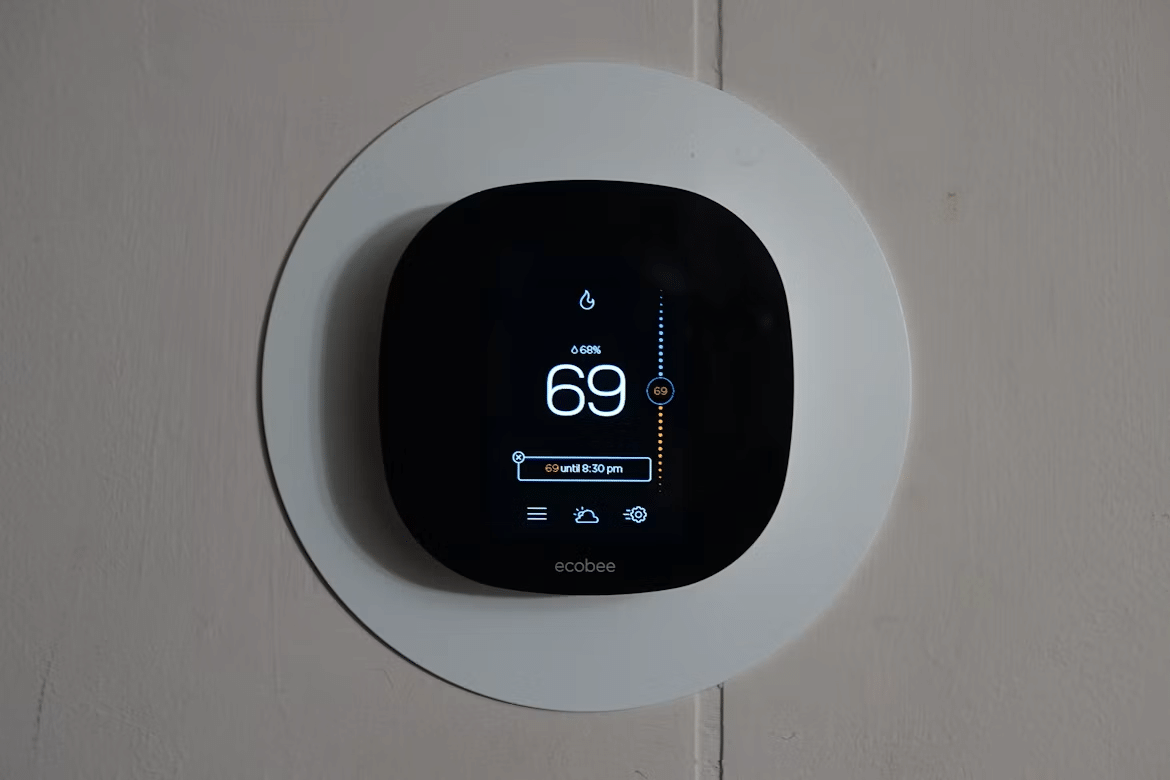
Image Credit: Unsplash
What Smart Climate Devices Actually Monitor
Most smart thermostats record temperature settings, heating and cooling activity, equipment run times and manual adjustments. Many also use motion or occupancy sensors to determine when someone is home. Connected phone apps may add location data, device identifiers and account details to the mix.
This information can reveal more than your preferred room temperature. Repeated patterns may indicate work schedules, vacations and sleep routines. A smart thermostat guide can help you compare common features, but you should also read each manufacturer’s privacy policy. Look for retention periods, advertising permissions and references to third-party analytics. Disable location access if scheduling works without it.
How Energy Providers Use Household Data
Energy providers may offer rebates or reduced rates when customers connect compatible thermostats to demand-response programs. During periods of heavy grid use, the provider may adjust enrolled devices by a few degrees. Programs vary, so confirm how often adjustments can occur and how to override them.
Aggregated usage data can help utilities forecast demand and plan infrastructure. Household-level records may also identify when energy use rises or falls. The potential energy-saving benefits can be worthwhile, but participation should follow a careful review of consent terms. Check if your data is shared with contractors, how long records remain available and what happens when you leave the program.
The Case for Offline Wood Heaters
An offline heating system has no app account, cloud dashboard or remote occupancy tracking. For homeowners who want dependable warmth without creating another stream of household data, that simplicity can be attractive. It also removes reliance on software support and internet access for everyday operation.
The choice still requires practical planning. Homeowners considering wood heaters in Hobart should seek advice on heater size, home layout, installation and servicing needs. Local conditions and the building’s insulation affect performance. Any offline heater should be installed by qualified professionals and operated according to local rules, manufacturer instructions and ventilation requirements. Privacy is useful, but safe operation remains the first priority.
Steps to Lock Down Household Privacy
Start by opening the thermostat app and reviewing every permission. Remove access to contacts, precise location and nearby devices unless a specific feature needs it. Use a unique password, turn on multi-factor authentication when offered and install security updates promptly.
Then check the device’s privacy settings and account dashboard:
- Turn off personalized advertising and optional analytics
- Delete old schedules, location histories and unused household profiles
- Review connected utility programs and third-party services
- Place smart home devices on a separate guest or Internet of Things network
- Remove account access before selling or recycling the thermostat
For a broader household review, this guide to data privacy for sustainable home living technologies explains how connected products can support efficient living while still exposing personal information.
Smart climate controls can save energy without receiving unrestricted access to your household habits. The most useful setting may be one buried in the privacy menu: a switch that stops optional data sharing while leaving temperature schedules intact. Check that setting after every major app update, since revised software can introduce new permissions or restore previous defaults.
This is a contributed post.
More From NeededInTheHome
Product Reviews
Get Our Books
Etsy Shop
TPT Store
eBay Store
Linktree
My Faith Testimony
Subscribe so you never miss a post.
If you find my tips useful, feel free to buy me a coffee. Thank you in advance!
Want to remember this? Pin it to your favorite Pinterest Board!
Join the newsletter
Subscribe to receive our latest articles and promotional content by email from NeededInTheHome
Leave a Reply