
Smart home privacy reaches well beyond voice assistants and connected cameras. Thermostats, electrical monitors and utility apps can also collect detailed information about daily life. These tools may lower energy costs or alert you to a problem, but they also create records showing when people are home and how household systems are used. Understanding what each device collects helps you enjoy the convenience without sharing more information than necessary.
Some links in this post are affiliate links, which means I receive a commission if you make a purchase.
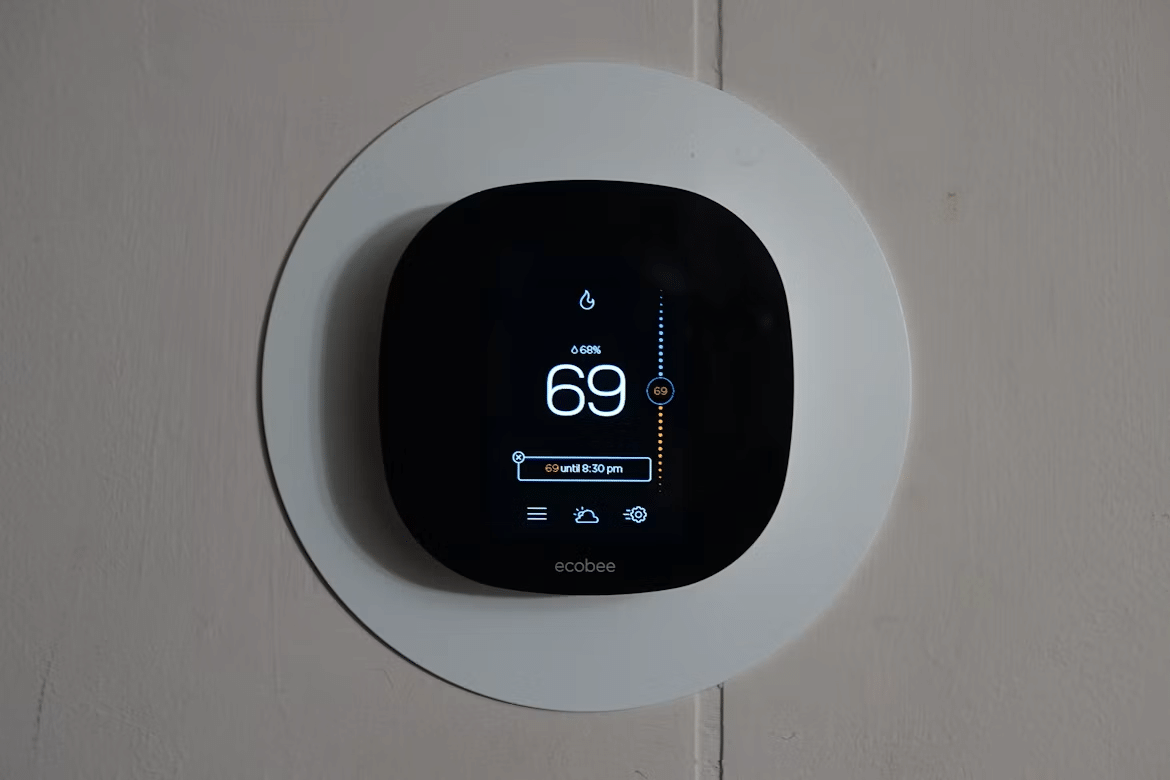
Image Credit: Unsplash
Beyond Web Browsers to Utility Hardware
Online privacy usually brings cookies and browsing history to mind, yet connected home hardware can be equally revealing. A thermostat may record temperature changes, occupancy patterns and app activity. Smart plugs can identify when particular appliances operate, while leak detectors track water use and send alerts through cloud services.
These records often pass through several companies, including the device maker, app provider and third-party analytics services. This overview of smart home data protection explains how connected devices can process personal data. Before installing new hardware, check which features work locally, how long records are retained and whether you can delete them.
Mapping Household Habits Through Power Usage
Electricity data can reveal more than a monthly total. Frequent readings may show when an air conditioner starts, when cooking appliances run and when household activity drops overnight. If that information is combined with thermostat or occupancy data, it can create a surprisingly accurate household schedule.
Unexpected cycling can also indicate a mechanical or electrical concern. Phoenix-area homeowners who notice unusual HVAC behavior can ask a qualified service company such as yetipros.com to inspect the physical system before adding another connected monitor. Fixing a faulty component may solve the problem without creating a new stream of household data. If you do install an energy monitor, use its privacy controls and avoid sharing account access broadly.
Safe Integration for Home Utility Systems
Start with a clear purpose for every connected device. A water sensor under the sink provides a direct benefit, while an internet-connected switch on a rarely used appliance may offer little value. Fewer devices mean fewer accounts, passwords and possible access points to manage.
Look for products that support local processing, encrypted communication and security updates. The Open Home Foundation’s paper on smart home privacy explains why local control can reduce reliance on outside cloud platforms. Place smart devices on a separate guest or Internet of Things network if your router supports one. This limits their contact with laptops and phones containing more sensitive information.
Professional installation may be appropriate when a device connects directly to HVAC controls, plumbing valves or an electrical panel.
Practical Checklists for Digital Safety
A short review every few months can catch forgotten accounts and weak settings before they become larger problems. Use this checklist after installing a device and repeat it when the app receives a major update:
- Replace default usernames and passwords.
- Turn on multi-factor authentication when available.
- Install device and router updates promptly.
- Disable microphones, location access and analytics you don’t use.
- Remove access for former residents, contractors and old phones.
- Review how long activity records remain stored.
- Delete devices from their apps before selling or recycling them.
- Keep a list of connected products, model numbers and support dates.
Pay attention when a manufacturer ends support for a product. A thermostat or utility sensor may still function after updates stop, but newly discovered security flaws could remain unfixed. Replace unsupported equipment or disconnect its online features while keeping any safe manual functions available.
Your home’s most revealing device may be the quiet sensor attached to a utility system, not the screen sitting on your desk. A quick account review, separate network and smaller collection of purposeful devices can keep those background systems from recording more of your routine than they need.
This is a contributed post.
More From NeededInTheHome
Product Reviews
Get Our Books
Etsy Shop
TPT Store
eBay Store
Linktree
My Faith Testimony
Subscribe so you never miss a post.
If you find my tips useful, feel free to buy me a coffee. Thank you in advance!
Want to remember this? Pin it to your favorite Pinterest Board!
Join the newsletter
Subscribe to receive our latest articles and promotional content by email from NeededInTheHome
Leave a Reply