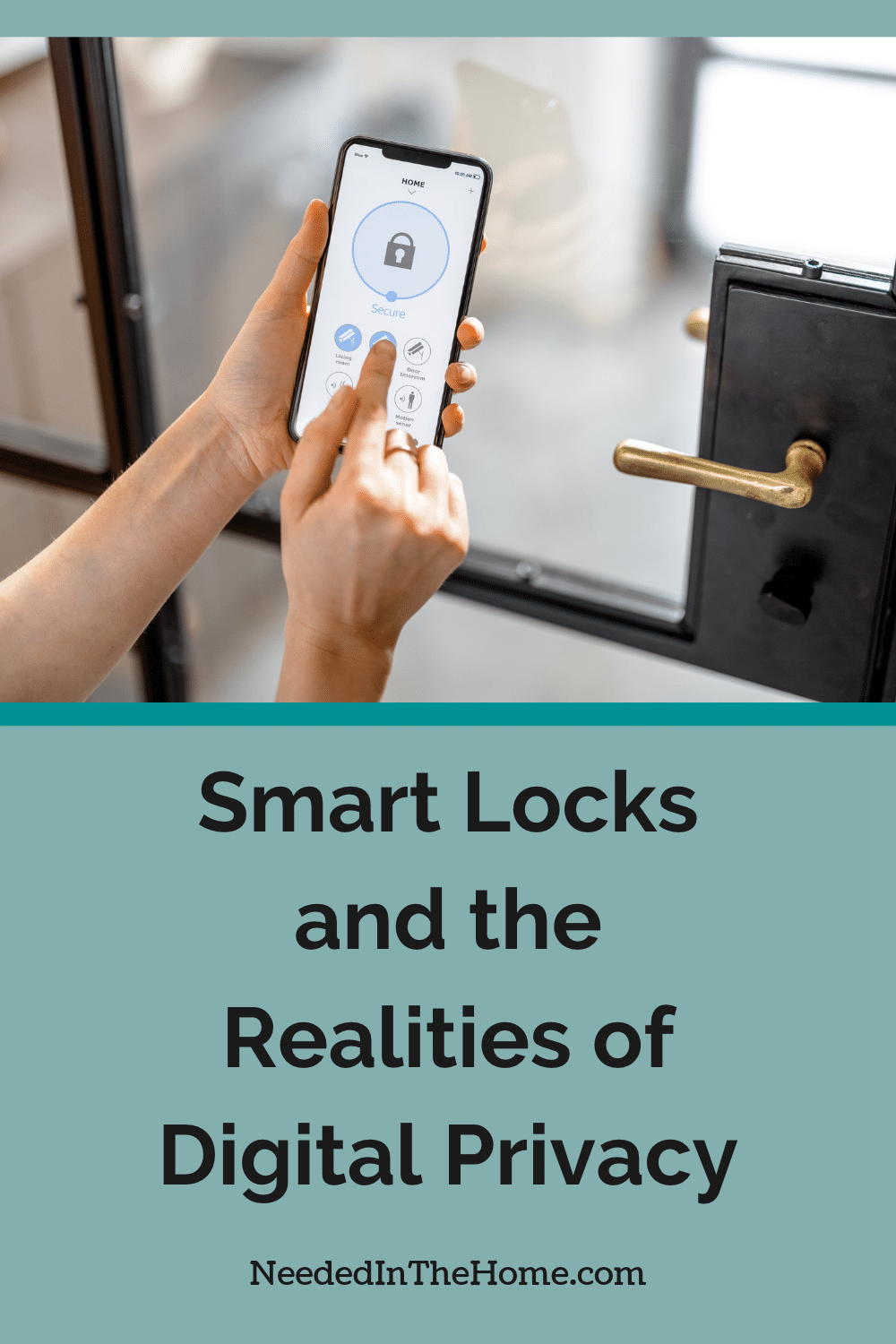
Smart locks promise convenient, keyless access, but what happens when a forgotten guest code, drained battery, or compromised app puts your home security at risk? Beyond the possibility of unauthorized entry, connected locks can collect sensitive information about your household routines, raising privacy concerns many homeowners overlook. Understanding how these systems handle personal data, where vulnerabilities exist, and why mechanical backups matter can help you enjoy smarter access without sacrificing security or peace of mind.
Some links in this post are affiliate links, which means I receive a commission if you make a purchase.
Image Credit: Unsplash
How Smart Entry Points Handle Data
Smart entry systems may record the time a door opens, which credential was used, and whether an attempt failed. If the lock connects to an app, those records could be stored on your phone, the manufacturer’s servers, or both. Integration with a home assistant can place the same information in another company’s system. Smart home privacy risks also extend to other connected household devices that collect information about occupancy patterns and daily routines.
Access logs have practical uses. A parent can confirm that a child arrived home, while a homeowner can give a cleaner a code that only works on Tuesday mornings. Still, detailed logs reveal household routines. The Electronic Frontier Foundation’s discussion of smart lock privacy highlights concerns about consent and access to entry data, especially in rental housing.
Read the privacy policy before activating cloud features. Look for clear explanations of data retention, sharing, and deletion.
Potential Vulnerabilities in Digital Latches
Connected locks face several types of risk. A reused account password could expose app controls, while an outdated phone may leave credentials vulnerable. Weak Wi-Fi security, delayed firmware updates, and poorly managed guest codes can also create avoidable openings.
Physical installation matters too. Even well-designed electronics won’t compensate for a loose strike plate, an unsuitable door, or incorrect alignment. If the latch sticks or the door needs to be pushed before locking, ask a qualified Locksmith to inspect the installation. Sunshine Coast residents can also seek mobile help for residential security concerns and electronic security systems.
A useful overview of smart lock security risks covers issues such as wireless attacks, battery failure, and unauthorized access. Treat unusual app alerts, unexplained code changes, and repeated failed attempts as reasons to review the account promptly.
The Value of Robust Mechanical Backups
Electronics can fail during a power outage, a drained battery, or a service disruption. A dependable backup keeps a minor technical problem from becoming a late-night lockout. Depending on the model, that backup may be a physical key, external emergency power contacts, or local keypad access that continues without an internet connection.
Test each backup method after installation and every few months. Keep spare keys in a controlled place, not under a mat or in an obvious outdoor container. If the lock uses emergency power contacts, learn what battery type they accept before you need them.
Also check low-battery warnings instead of assuming they will appear in time. Shared households should agree on who replaces batteries and where replacement instructions are kept. A simple written note inside a utility cabinet can be more useful than an app manual when a phone is unavailable.
Best Practices for Encrypted Credentials
Use a unique, strong password for the lock’s account and enable multifactor authentication. A password manager can help you avoid reusing passwords.
Give each person a separate access code and set temporary codes to expire automatically. Keep the lock, app, phone, and router updated. Disable unused remote access features and review connected services twice a year.
Before selling your home or moving, remove user profiles, revoke shared access, and factory-reset the lock.
Finally, review the access list whenever household arrangements change. Removing an old code takes less than a minute, but leaving it active could allow unauthorised access for months. A smart lock protects your home best when its digital settings, physical installation, and backup options receive the same regular attention.
This is a contributed post.
More From NeededInTheHome
Product Reviews
Get Our Books
Etsy Shop
TPT Store
eBay Store
Linktree
My Faith Testimony
Want to remember this? Pin it to your favorite Pinterest Board!
Join the newsletter
Subscribe to receive our latest articles and promotional content by email from NeededInTheHome
Leave a Reply