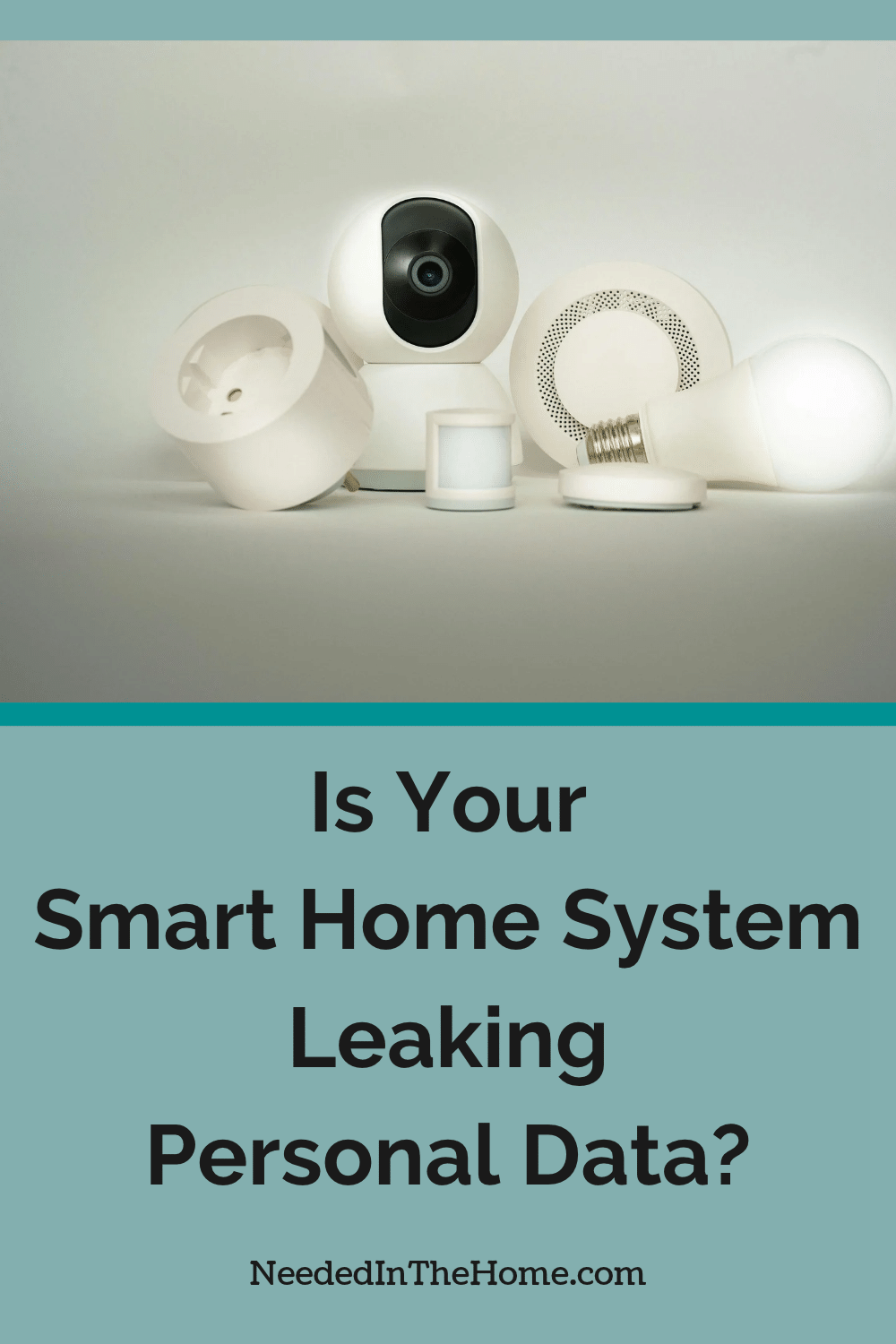
A smart home should make life more convenient, not leave your household routines, security footage, and private information exposed to strangers. Weak device passwords, outdated software, and poorly secured entry systems can turn everyday technology into unexpected privacy and security risks. Learn how to protect your connected home, secure vulnerable devices, and regain confidence that your family’s privacy stays where it belongs.
Some links in this post are affiliate links, which means I receive a commission if you make a purchase.
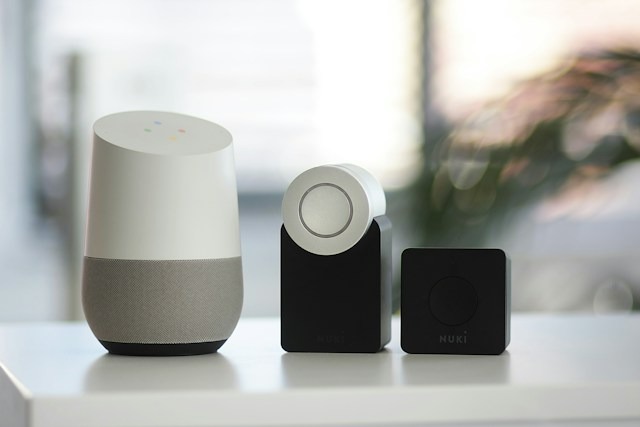
Image Credit: Unsplash
What Connected Entryways Track
Connected entryways often create detailed activity logs. A garage controller might store opening times, account names, device identifiers, and remote access events. Video-enabled systems may also retain recordings, audio, and motion alerts on a company’s servers. Over several weeks, these records can reveal household routines, including regular work hours and periods when no one appears to be home.
Open the device app and review its privacy, storage, and sharing settings. Reduce video retention where possible, disable features you don’t use, and remove former residents from shared access. Our guide to hidden smart home privacy risks explains where other connected devices may collect similar household information.
The Risks of Unencrypted Hubs
A smart home hub acts as a central coordinator, so weak protection at that point can affect several connected devices. Some older hubs send local commands without adequate encryption or continue using default login details. Poorly secured third-party integrations can also give an unnecessary service access to entry logs and device controls.
If a connected garage system depends on aging components, replacement may be safer than adding another adapter. Homeowners arranging Garage Door Installation Gold Coast can ask how a new door and opener support secure access controls, current connectivity standards, and manual operation during an outage. Before linking any new equipment, review the maker’s update policy and account security options.
Upgrading Hardware for Better Protection
Replace connected hardware when the manufacturer no longer provides security updates. Unsupported devices may continue working mechanically while known software flaws remain unresolved. Check the product’s support page for its model number, latest firmware date, and expected service life.
Choose equipment that supports automatic updates, multi-factor authentication, and encrypted communication. Local controls are useful too because they let core functions operate when internet access fails. The NIST smart home tips recommend researching devices before purchase and changing default credentials.
After installation, delete old hardware from your account and perform a factory reset before disposal. Also revoke any app permissions or automation routines connected to the retired device.
Lock Down Your Local Network
Start with your router because every connected device relies on it. Change the administrator password, install current firmware, and use WPA2 or WPA3 encryption with a long, unique Wi-Fi password. Turn off remote router administration unless you have a specific need for it.
Place smart home equipment on a guest network or a separate internet-of-things network if your router supports one. This separation limits how easily a compromised sensor can reach laptops, phones, and shared files. The overview of smart home security risks provides useful examples of threats linked to connected household technology.
Review the router’s device list every month. Remove unfamiliar connections and rename approved devices clearly so future checks take only a few minutes.
Your final check should happen inside each device account. Sign out old phones, remove unused integrations, and turn on login alerts. A notification about an unexpected sign-in can give you the warning needed to change a password before entry records or connected controls are exposed.
This is a contributed post.
More From NeededInTheHome
Product Reviews
Get Our Books
Etsy Shop
TPT Store
eBay Store
Linktree
My Faith Testimony
Subscribe so you never miss a post.
If you find my tips useful, feel free to buy me a coffee. Thank you in advance!
Want to remember this? Pin it to your favorite Pinterest Board!
Join the newsletter
Subscribe to receive our latest articles and promotional content by email from NeededInTheHome
Leave a Reply